EmployeeRoster brings your people together: rich profiles, instant org charts, work anniversaries, holidays, and recognition, all in one beautifully simple app.
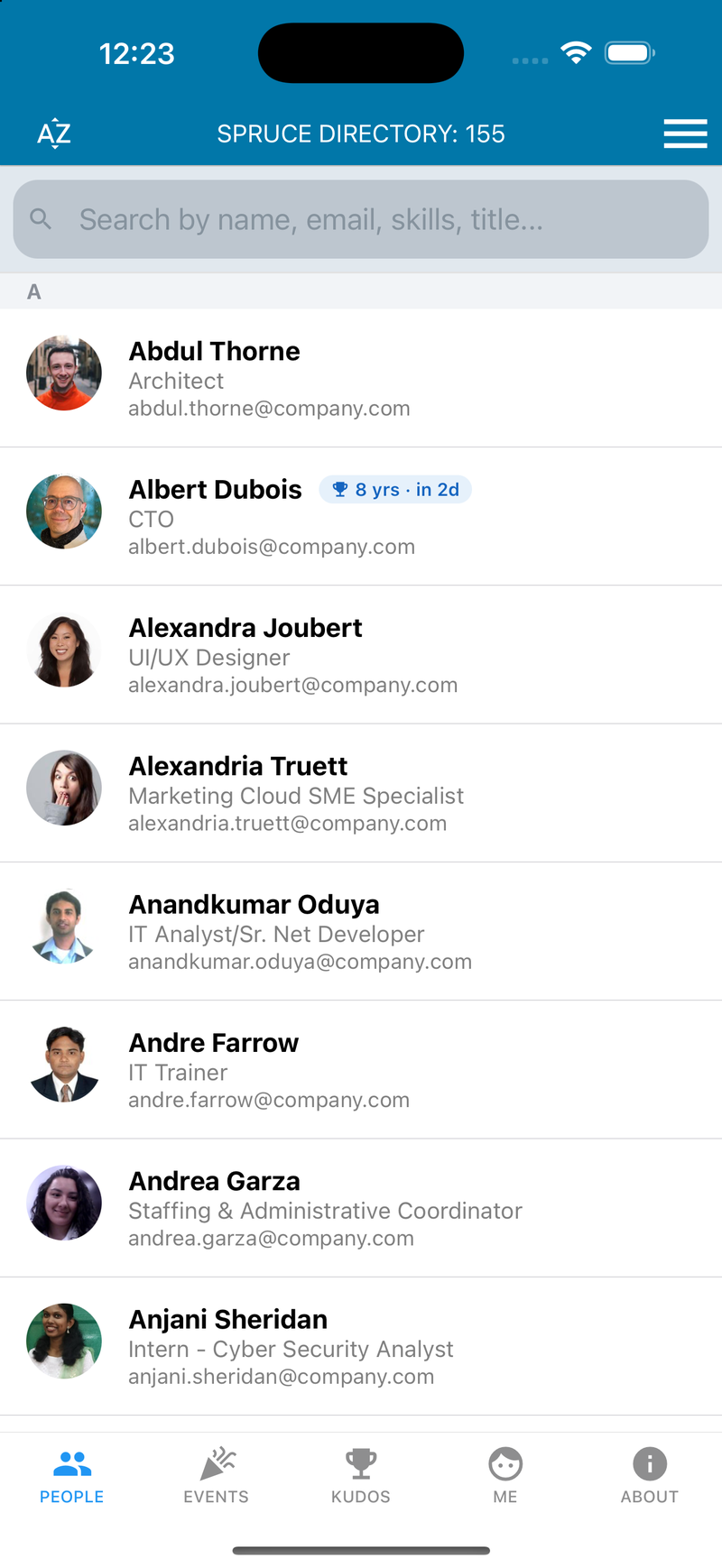
Stop digging through spreadsheets and stale intranet pages. EmployeeRoster keeps every profile, reporting line, and milestone current and a tap away.
A fast, photo-rich directory of your whole company. Search by any attribute and see title and email at a glance.
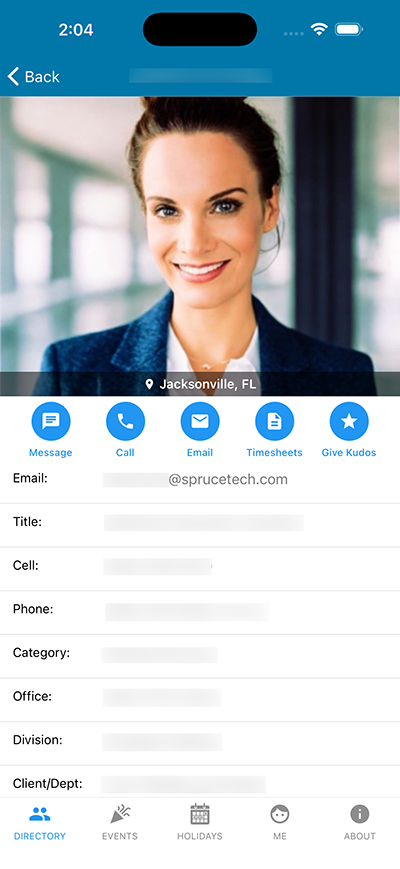
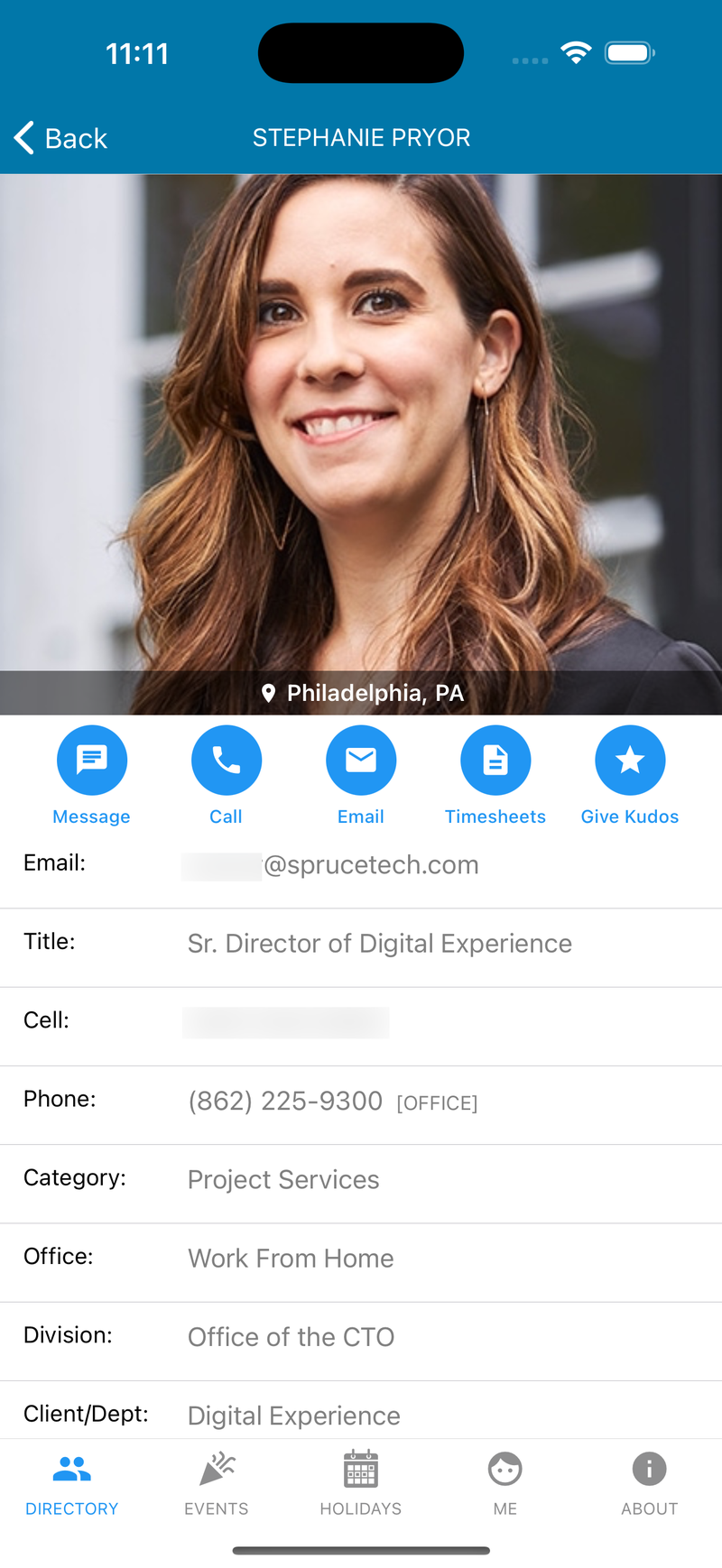
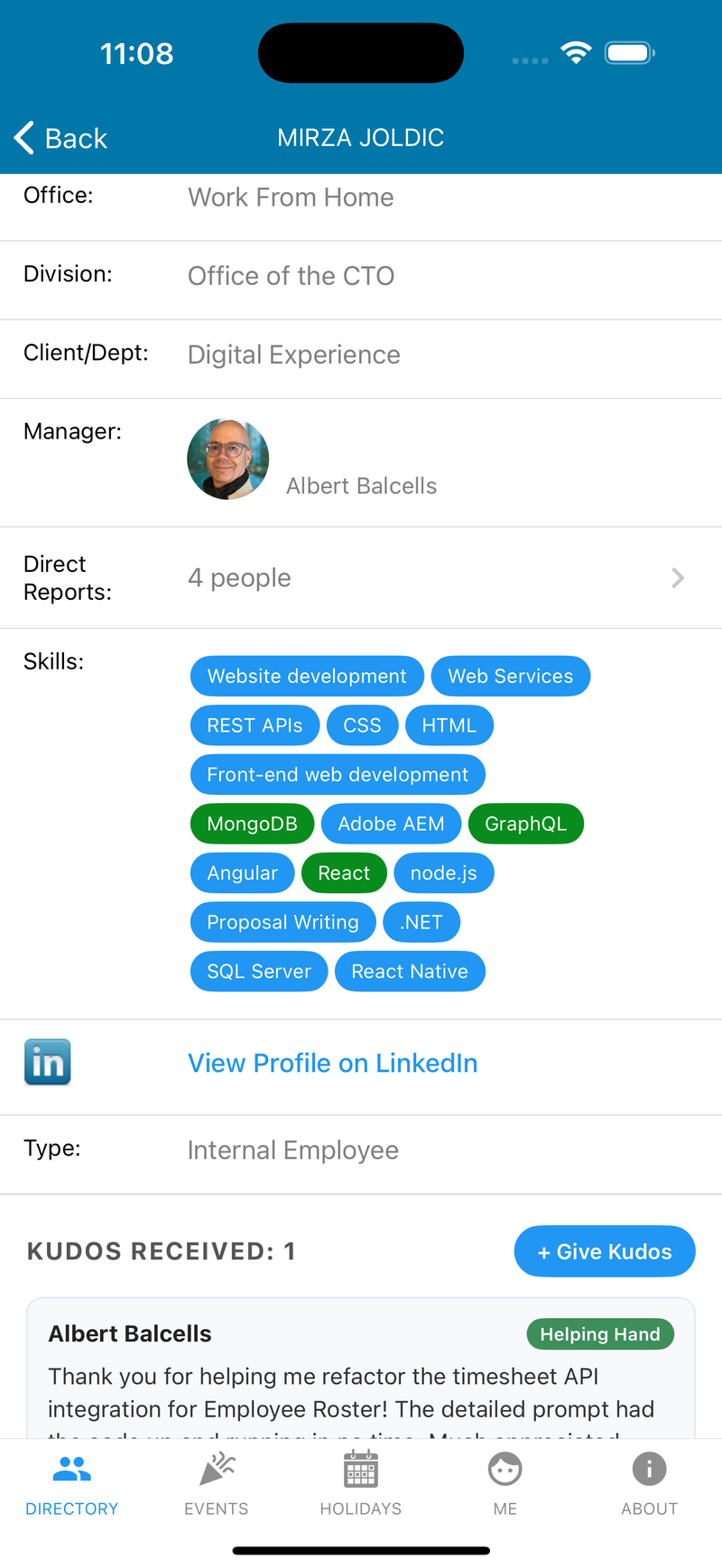
Tap any person to see their role, office, division, manager, and skills. Then message, call, or email them right from the app.
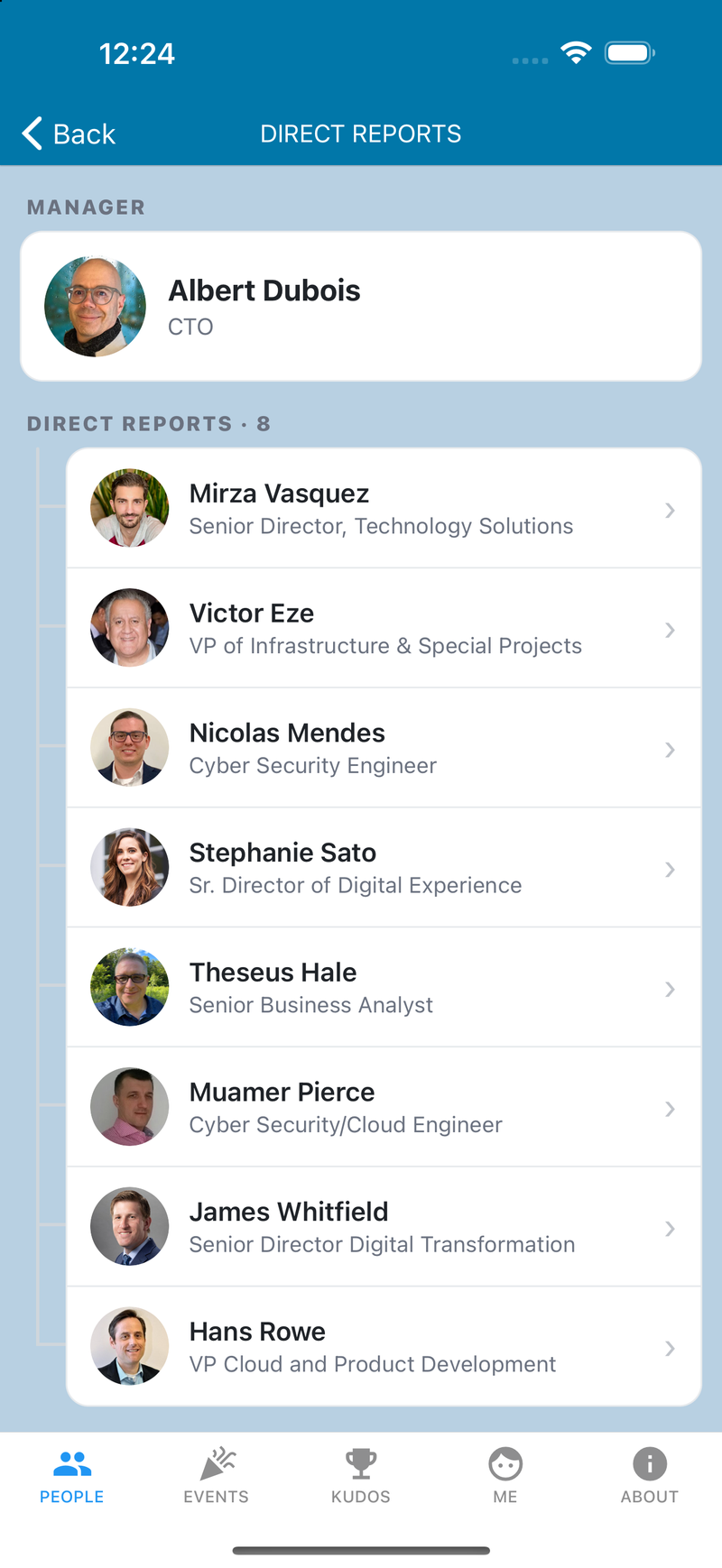
Every profile links to its manager and direct reports, so you can walk the org chart with a tap. Perfect for onboarding and cross-team work.
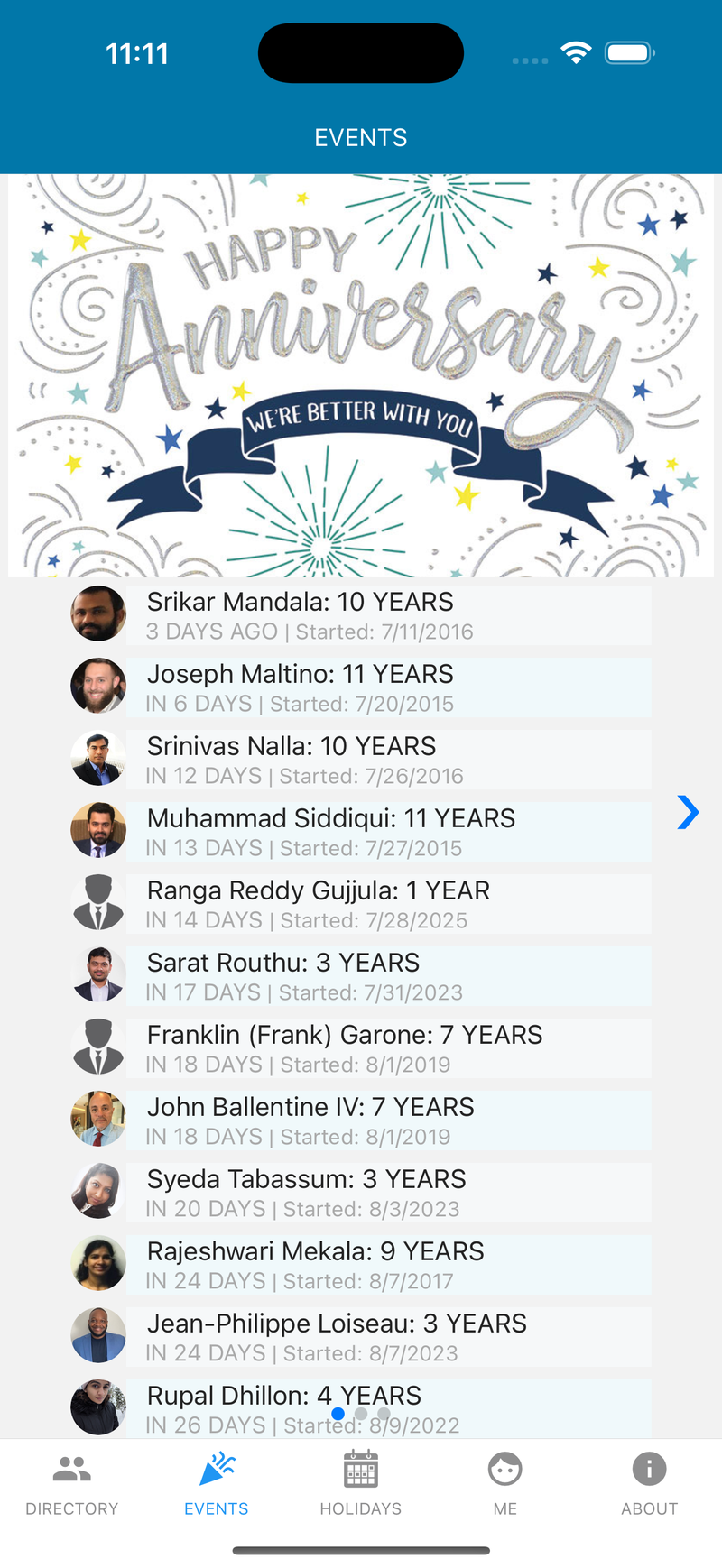
Work anniversaries and birthdays surface automatically, ordered by what's coming up next, so recognition never slips through the cracks.
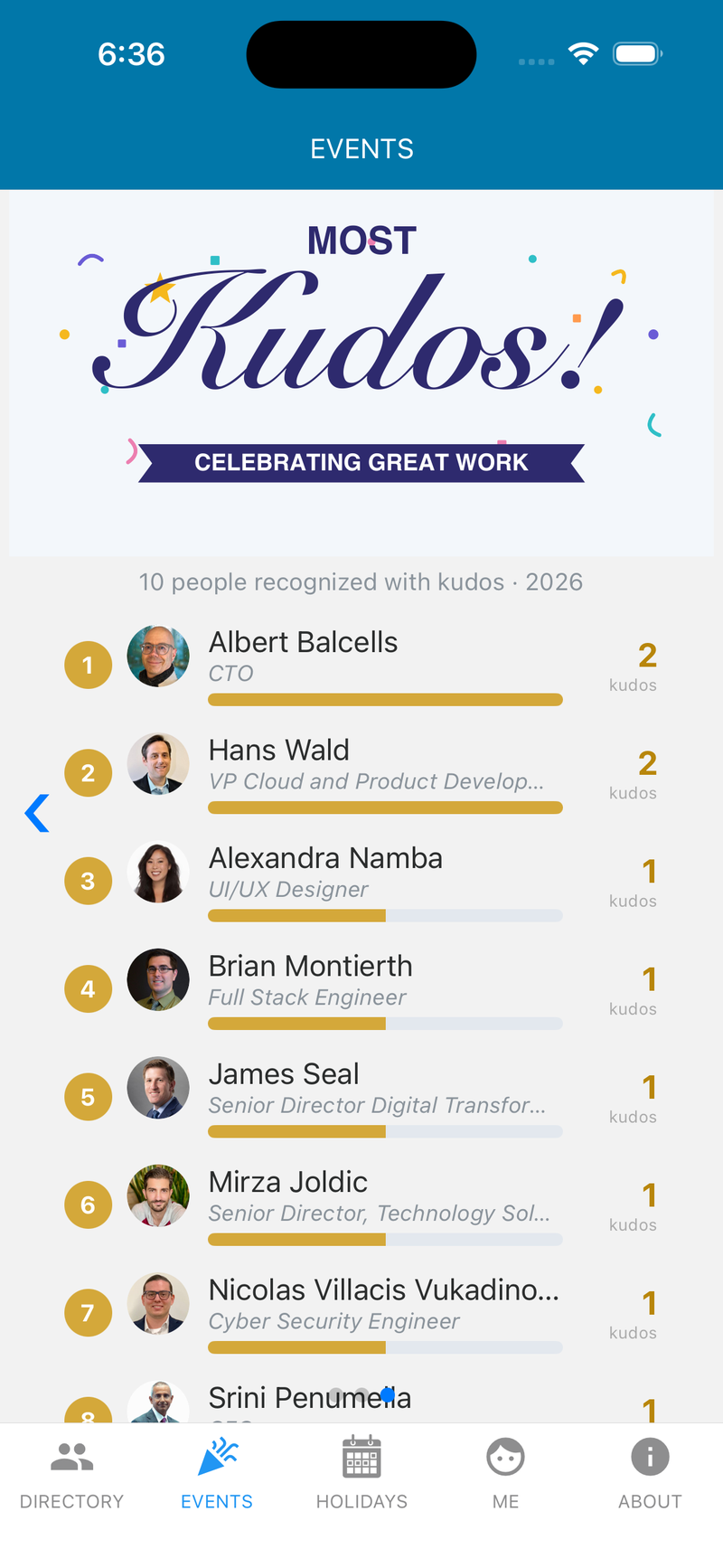
Kudos lets your team thank the colleagues who go out of their way to help. A little public recognition goes a long way toward the culture people want to work in.
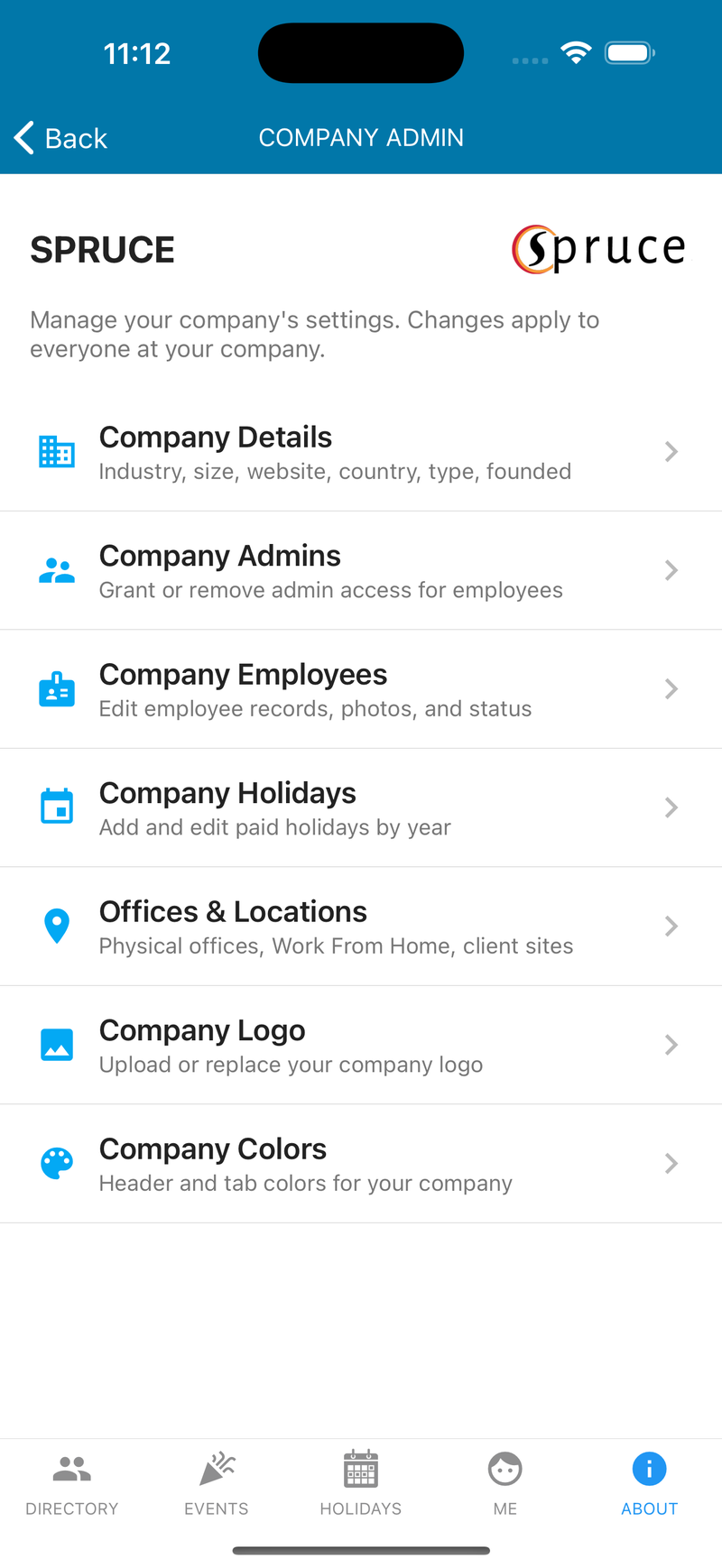
Admins keep the roster accurate and on-brand without leaving the app, from people and offices to your logo and colors.
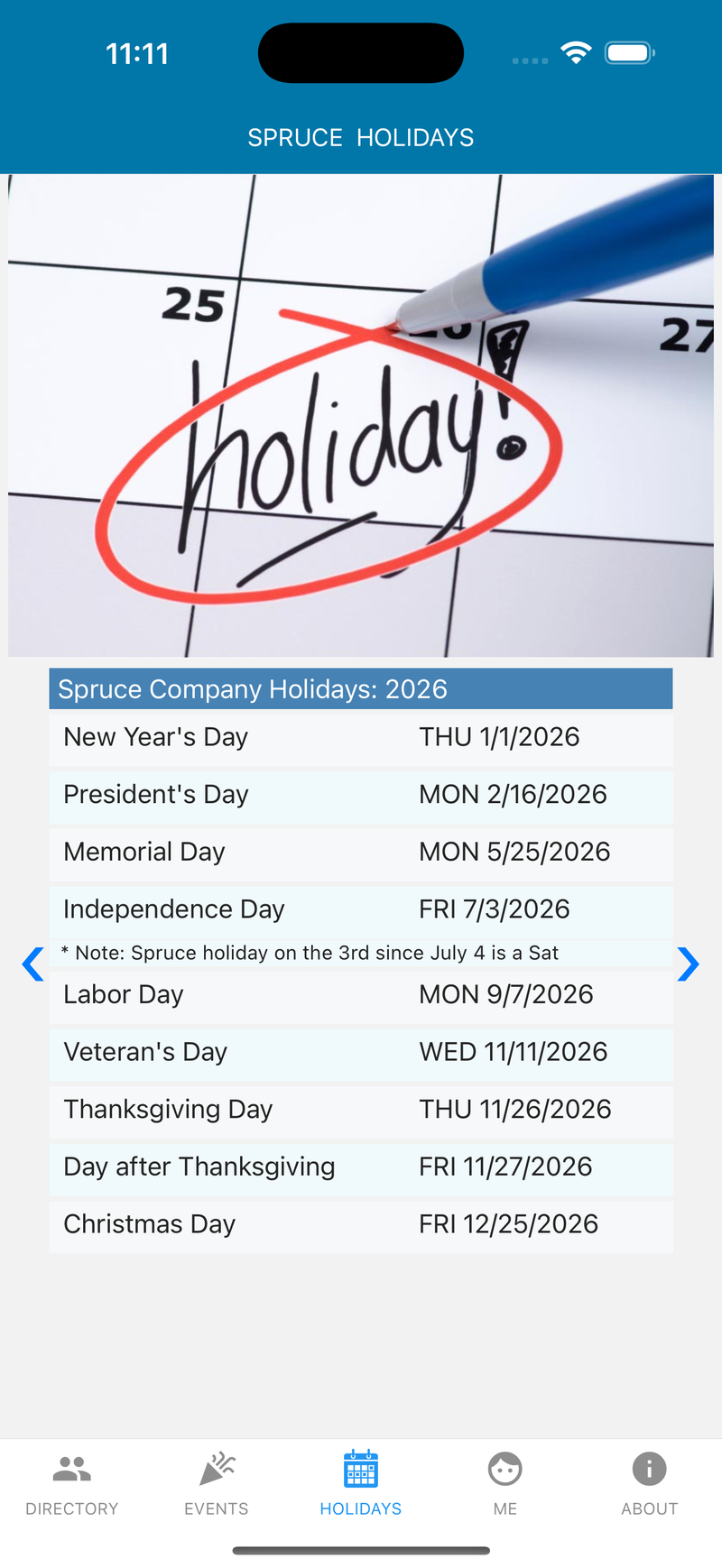
The full paid-holiday calendar for the year, so everyone knows exactly when the office is closed.
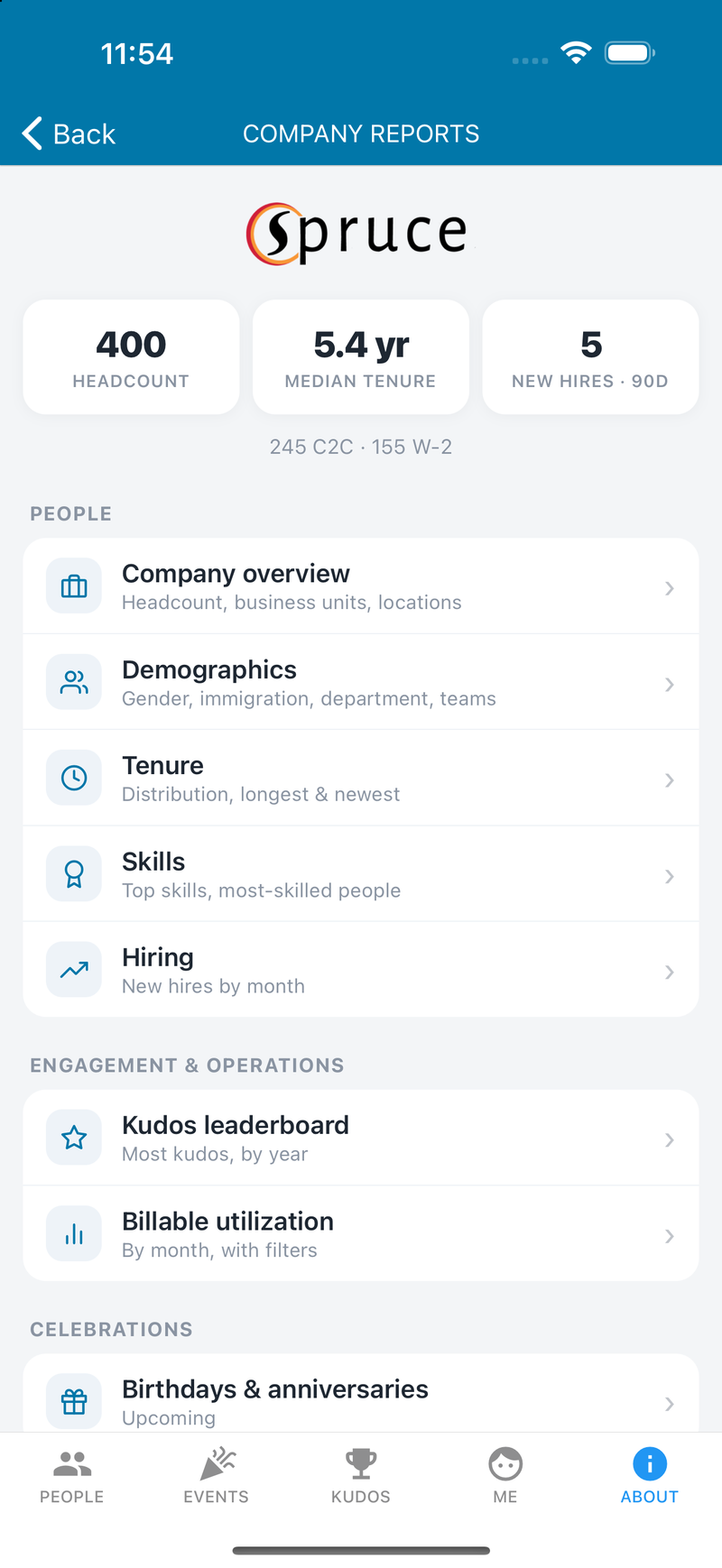
Visual headcount and tenure breakdowns give leaders a quick read on the shape of the organization.
Physical offices, Work From Home, and client sites. See where every teammate is based.
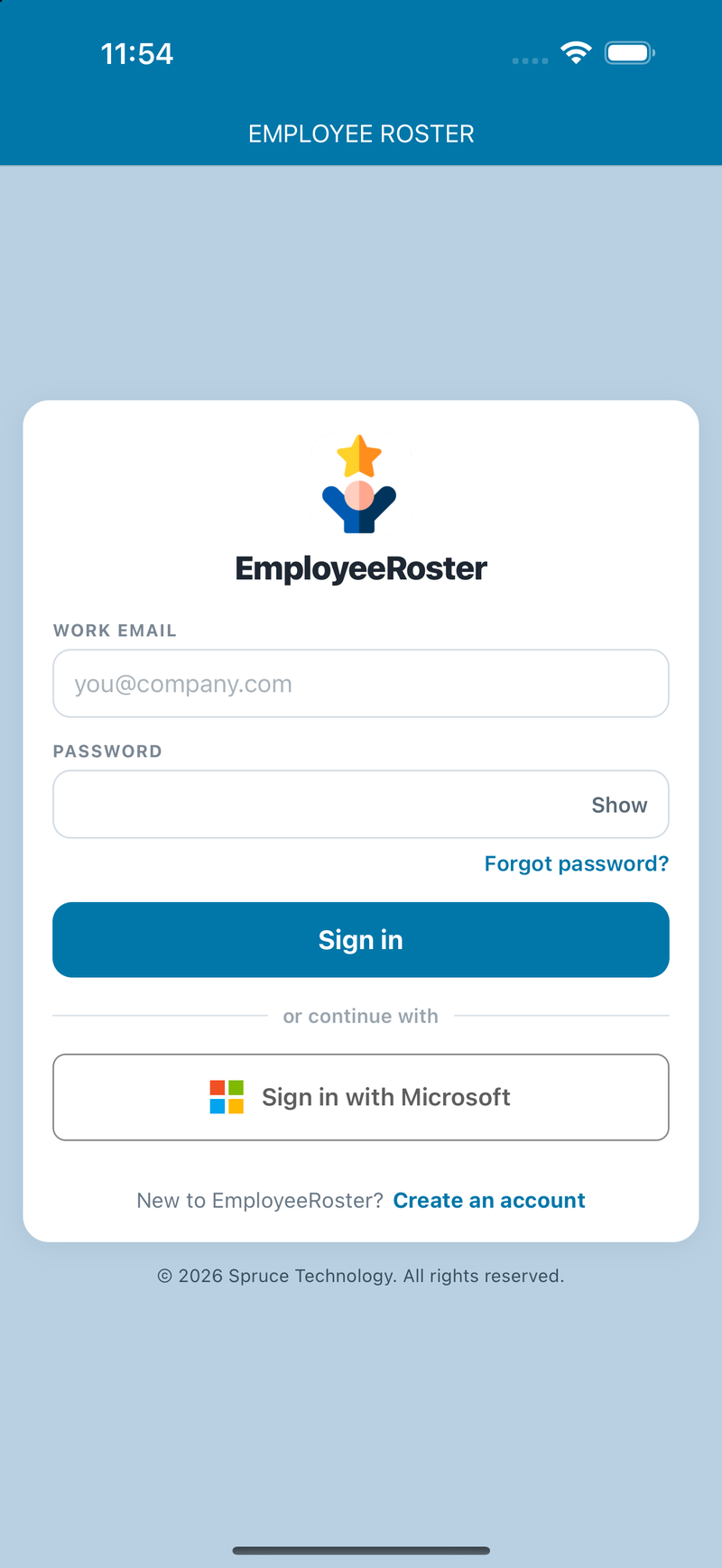
Log in with email and password or your organization's Microsoft Entra ID single sign-on.
No lengthy rollout. Your team is browsing the directory the same day.
Grab EmployeeRoster free from the App Store on your iPhone or iPad, or from Google Play on Android.
Add your people, offices, holidays, logo and colors, or we'll help you import them.
Everyone signs in with email or Microsoft Entra ID and the directory comes to life.
EmployeeRoster runs on the same secure, scalable technology Spruce Technology builds for government agencies and large enterprises.
Encrypted HTTPS connections and secure REST APIs keep your company data protected in transit.
Microsoft Entra ID single sign-on, with role-based permissions that control who can view and edit information.
A cloud architecture that scales smoothly from a team of ten to an organization of thousands.
See how EmployeeRoster keeps your directory, org chart, and milestones effortlessly up to date. Book a walkthrough or reach out, and we'll get you set up.
EmployeeRoster is available now as a native app for iPhone and iPad on the App Store, and for Android on Google Play. The download links are at the top and bottom of this page.
Employees sign in with an email and password, or with your organization's Microsoft Entra ID single sign-on. New users can self-register through a short guided sign-up.
Yes. EmployeeRoster is one of a growing family of HR apps that Spruce Technology built to run its own operations, alongside Timecone for time and expense tracking and a 360 employee-review tool. They share a common enterprise-grade foundation.
EmployeeRoster is built on enterprise-grade, multi-tenant cloud technology. Data travels over encrypted HTTPS connections and secure REST APIs, sign-in supports Microsoft Entra ID single sign-on, and role-based access controls who can view or edit information.
Designated company admins manage employee records, offices and locations, holidays, and can even set your company logo and brand colors. Everyone else gets an always-current, read-only view.
Yes. Admins can upload your company logo and choose the header and tab colors so the app feels like your own.
Use the password reset page to set a new password, or contact app support.
 EmployeeRoster